Why we built a launcher for car head units
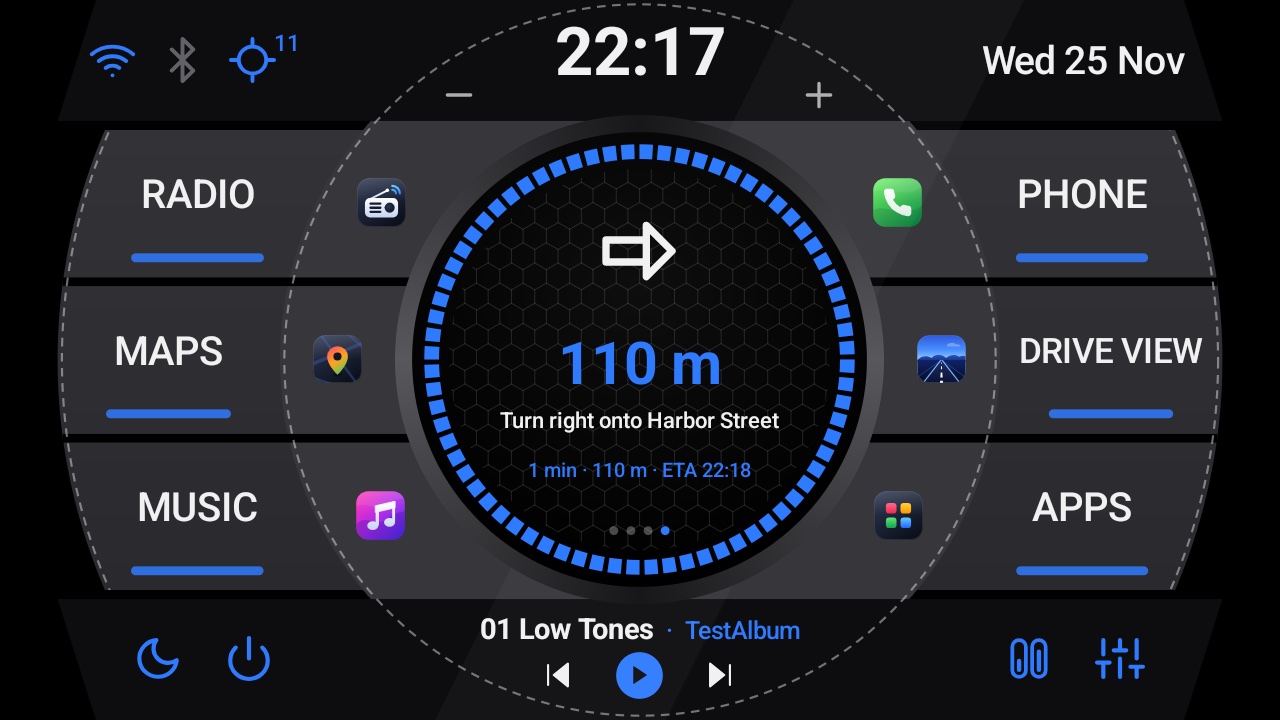
Aftermarket head units have fast screens and slow software. Feather Light is our answer: a home screen that is quick, calm and honest about what your unit can do.
If you have fitted an Android head unit to your car, you know the feeling. The screen is big and bright, the specs on the box looked great, and then you start the car and wait. The stock launcher is crowded with tiles you never use, the buttons are small, and the map stutters because something in the background is eating memory.
We wanted the opposite: a home screen that opens instantly, gets out of the way, and puts the few things you need while driving under your thumb.
Light, on purpose
A head unit is not a phone. It often has 2 to 4 GB of memory, and your navigation app needs most of it. So Feather Light keeps the always-running part small. The heavier pieces, like the music player and the vehicle data reader, run in their own processes and only when they are used.
That is where the name comes from. The launcher should weigh as little as possible, so the apps you actually drive with have room.
Big targets, one tap
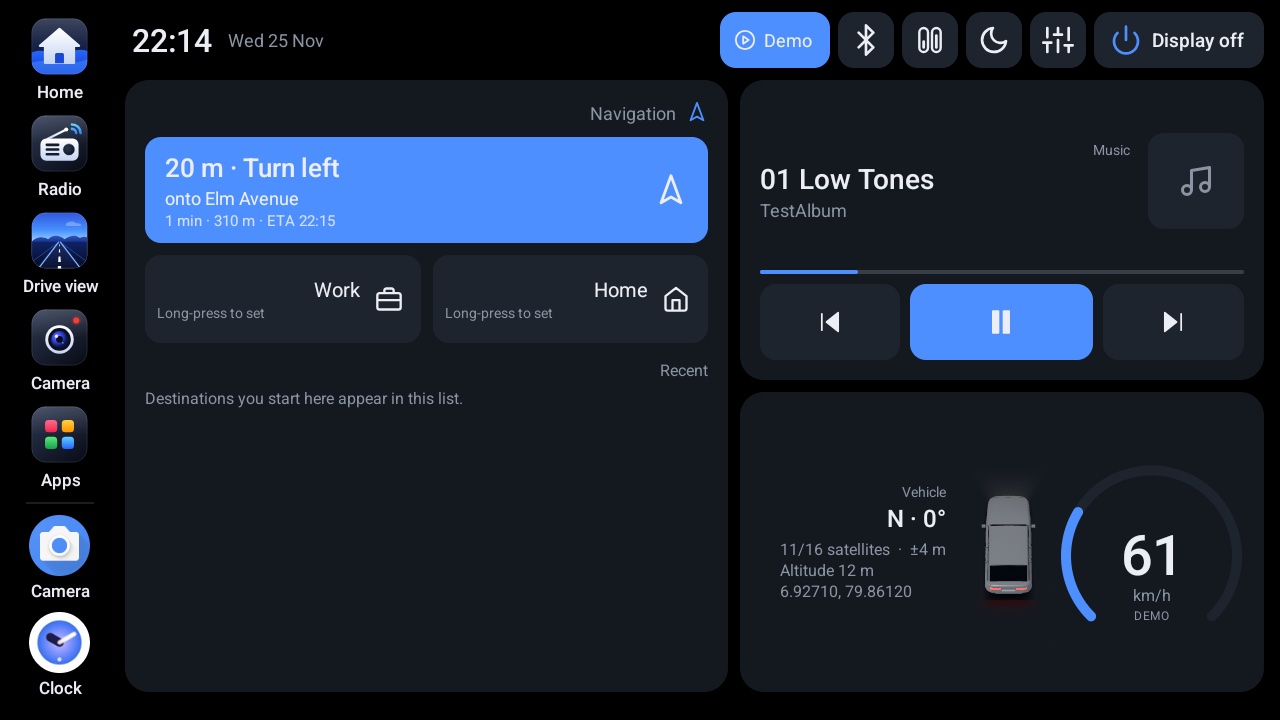
Everything on the home screen is sized for a moving car: your next turn, what is playing, your car and its speed, and a dock of the apps you choose. Calls come up as a wide banner with big answer and decline buttons. Steering-wheel buttons can be taught to do what you want.
Honest about your unit
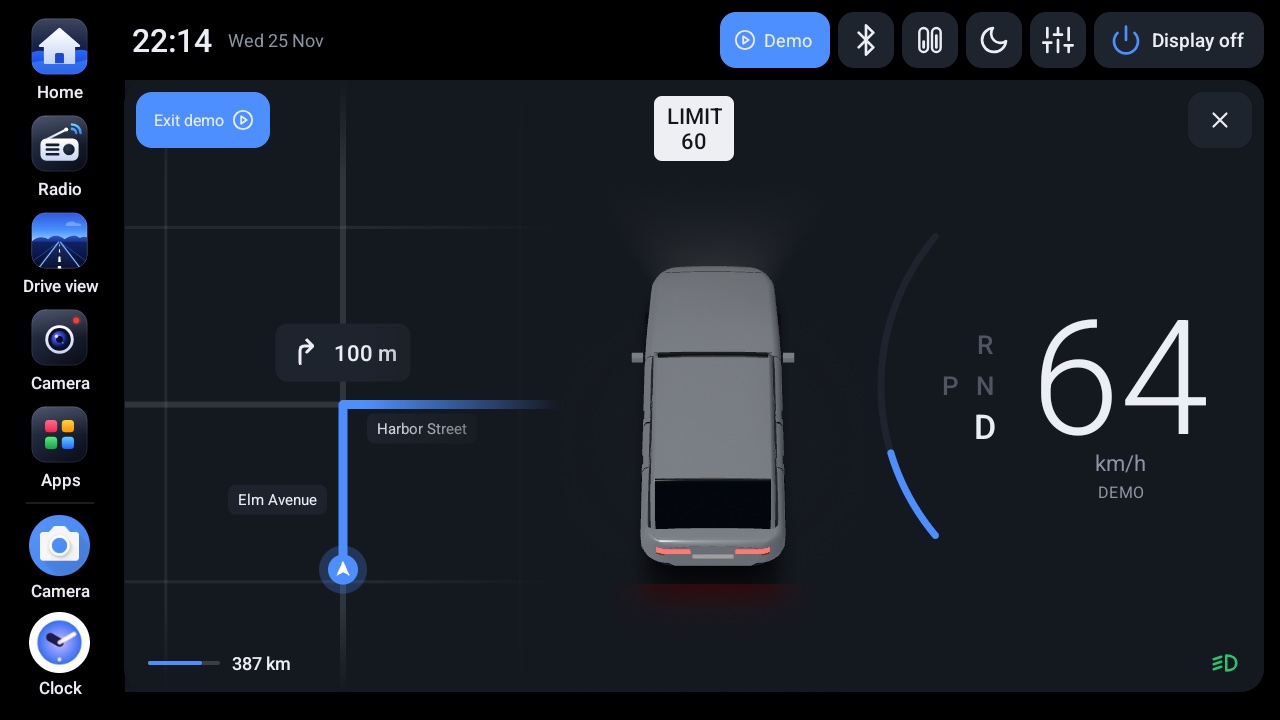
Head units differ wildly. Some report open doors and headlights, some report only speed, some report nothing at all. We made a simple rule: if the unit does not give us the data, we do not draw it. No gauges stuck at zero, no car with "all doors closed" when we cannot know.
When something is not set up yet, the launcher says what is missing and how to set it up, instead of showing an empty tile.
Built with drivers
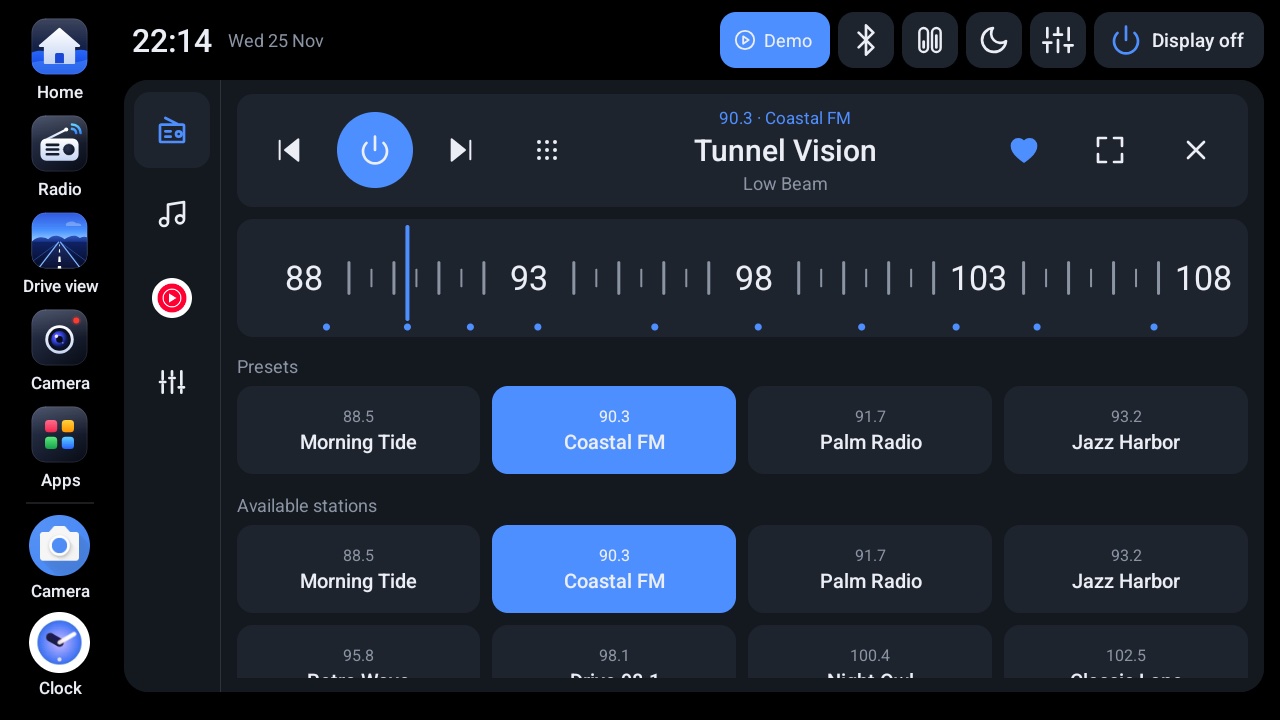
Many of the hardest problems, like FM radio on a particular unit or a steering-wheel button that never reaches Android, can only be solved with the unit in hand. So the launcher has built-in reports: send one from the unit, with a screenshot if you like, and we see exactly what your unit reports.
If you want to try it, every head unit gets a free trial the first time it signs in. We would love to hear how it runs in your car.